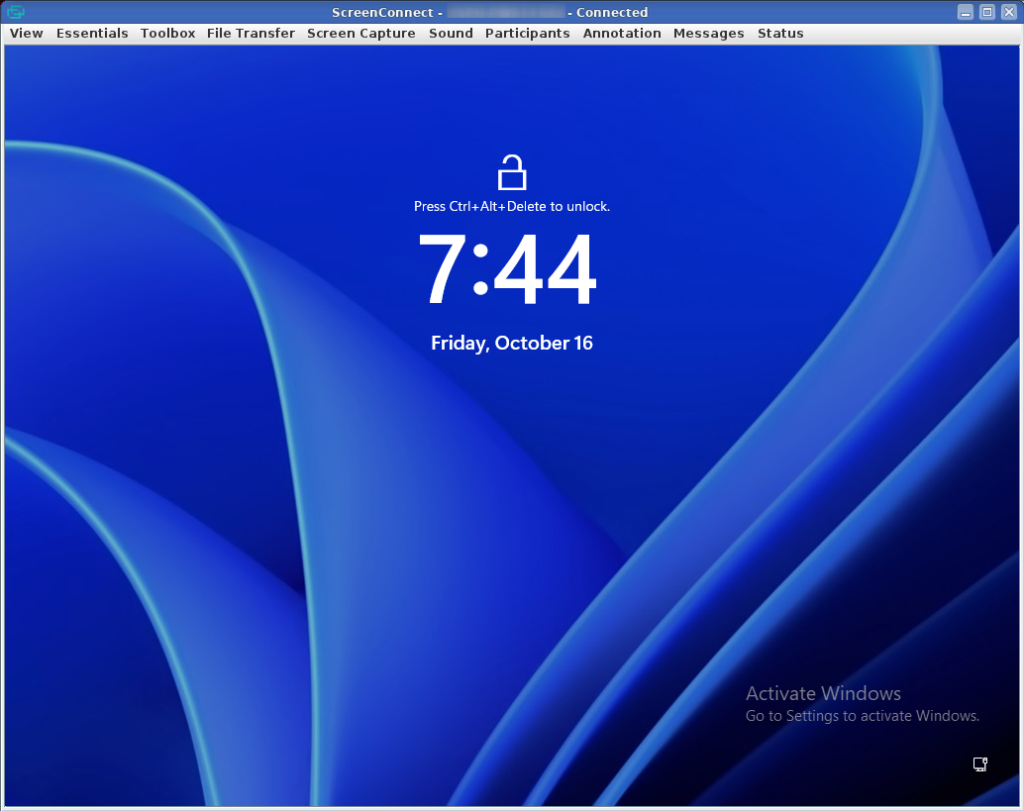
If you are using ScreenConnect from a Linux workstation and you need to connect to a remote endpoint, you will be prompted to download a bash script to install the viewer the first time. No problem, you modify the script for execution, then run it, but nothing happens.
Most likely you will need to install the Java (Open-JDK) runtimes.
sudo apt install default-jdk icedtea-netx

Now when I select to open a remote session, the ScreenConnect Client opens and operates perfectly.